Creating Creative Elements Using Adobe Illustrator
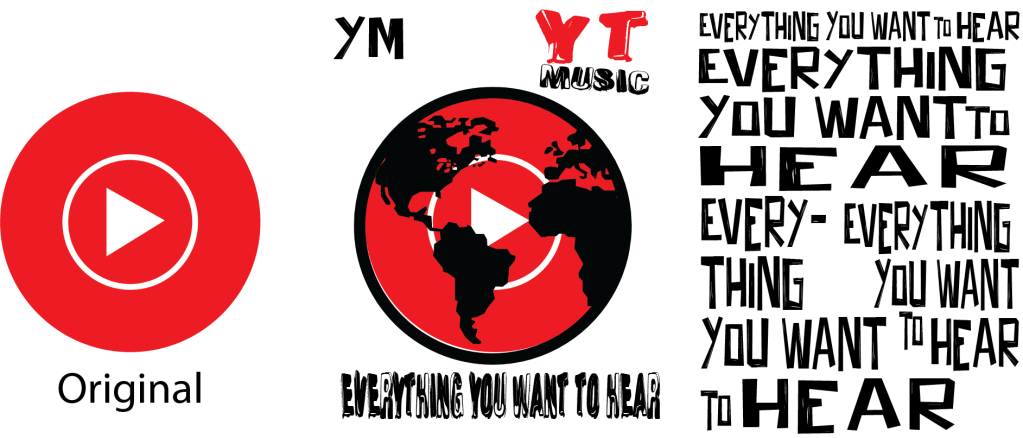
In my Advertising Design and Visual Storytelling class this week, we spent our time together working through the basics of using Adobe Illustrator for creating and editing visual elements for different projects.
After learning the basics on how to use the different tools to make accurate shapes, we were tasked to use our new skills to update the brand that we were all individually tasked to work on for the semester.
The brand that I was assigned was YouTube Music, which is exactly what I wanted. I immediately went into working with the new tagline in my creative brief which is “Everything You want to hear.” I started by dropping in the text, playing around with different fonts and sizes to arrange them for the brand mark. I also made a mock-up of the current YouTube Music Logo using assets in Adobe Illustrator to edit and incorporate to the new logo I am going to eventually design.
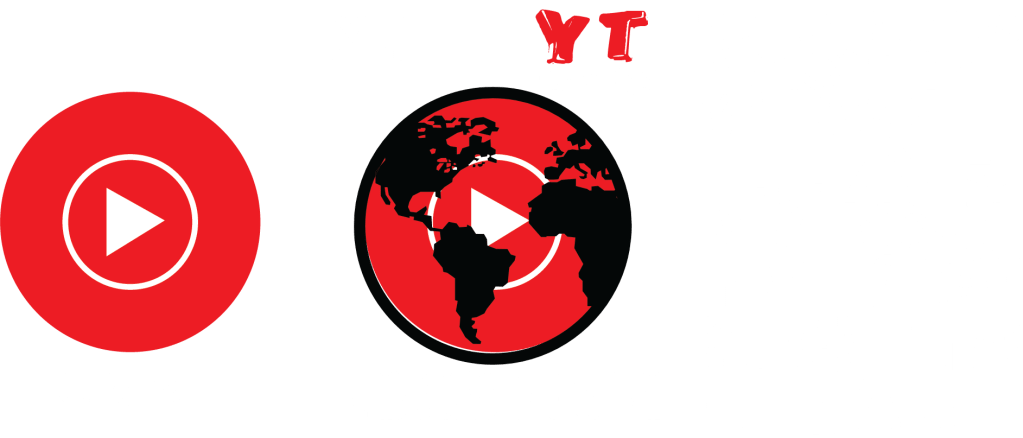
The elements you see above is the final brand marks I ended with, but they are absolutely subject to change when I finish the new logo.
I honestly hate the final product if I am being truthful to how I feel about my work on this project so far. It doesn’t look terrible and I could imagine it being realistically implemented in the real world, but I think it is far too generic for what I would want to attach my name to, it is definitely a rocky start.
This is honestly how I figured a lot of creative work would be like, I have experience using Canva and Adobe Photoshop, and this felt like a happy middle between the two platforms in terms of the tools you have access to. It is far more complicated than something like Canva but the capabilities are far greater.
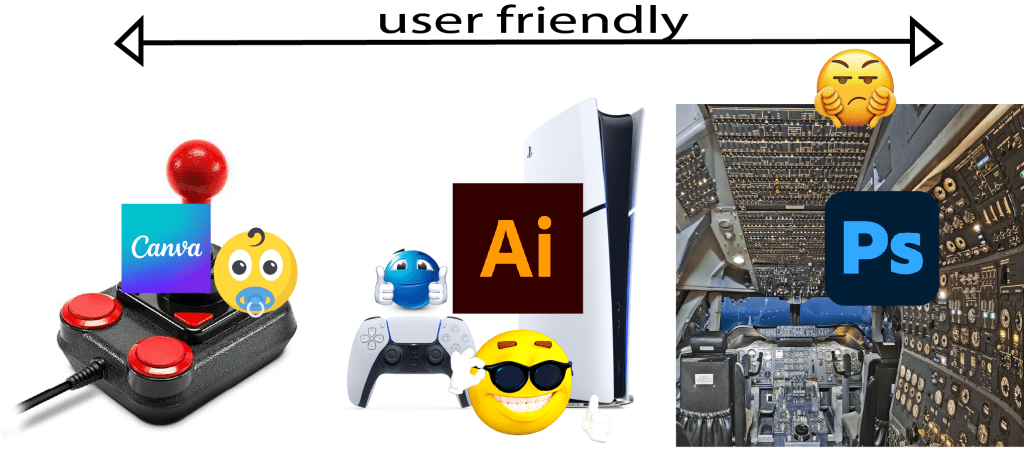
I think as a creative designer I feel a lot less confident in my abilities after learning how many tools are available on software like Adobe Illustrator and Photoshop. especially considering how little I know regarding these tools.
 Rollin Roland