By Sebastian Roland
This project is probably the most fun solo assignment I’ve ever had to do at University outside of other projects I’ve been in for my Gaylord classes. It was a cool opportunity to flex my adobe suite skills along the entire process mixed with a dash of marketing and advertising theory behind my ideas. I felt like I was the lead director of advertising at YouTube music, and I GENUINELY feel if YouTube music went through with this kind of platform redesign and marketing campaign, they would see a substantial increase in engagement, especially from people my age.
The Beginning
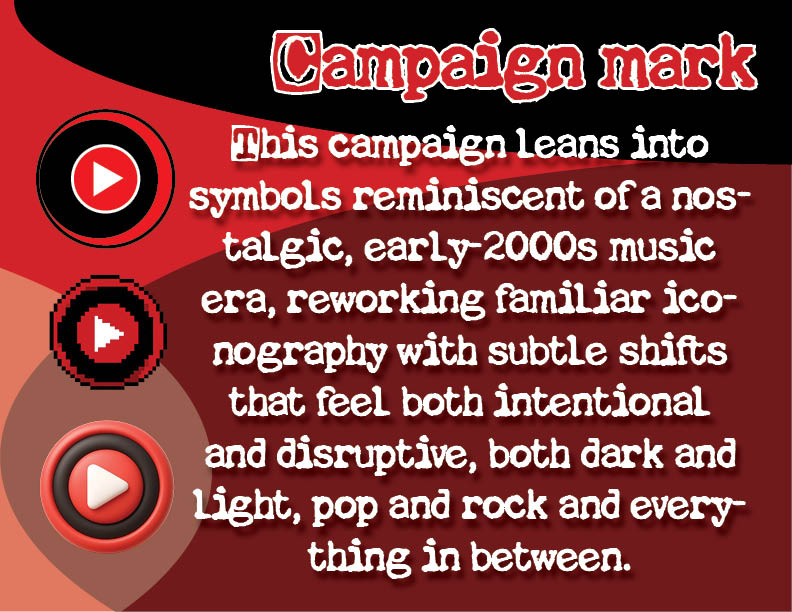
While almost everything about this campaign changed and evolved through every step of this project, the one thing that remained consistent from the jump was the dang campaign mark, the first assignment we had.
Before I had an official typography, brand logo, slogan look, I had the new logo for YouTube music that took the original logo and threw a dark moon in it to make it edgy but almost identical to the previous.
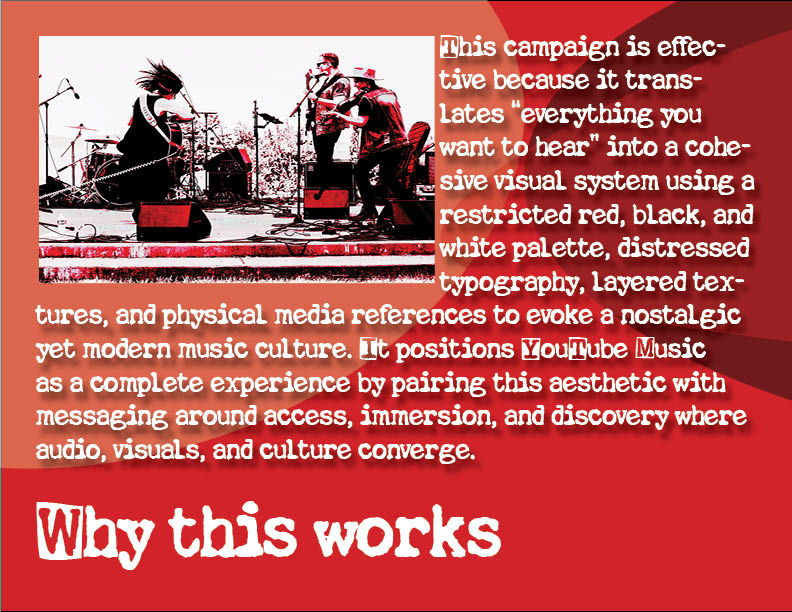
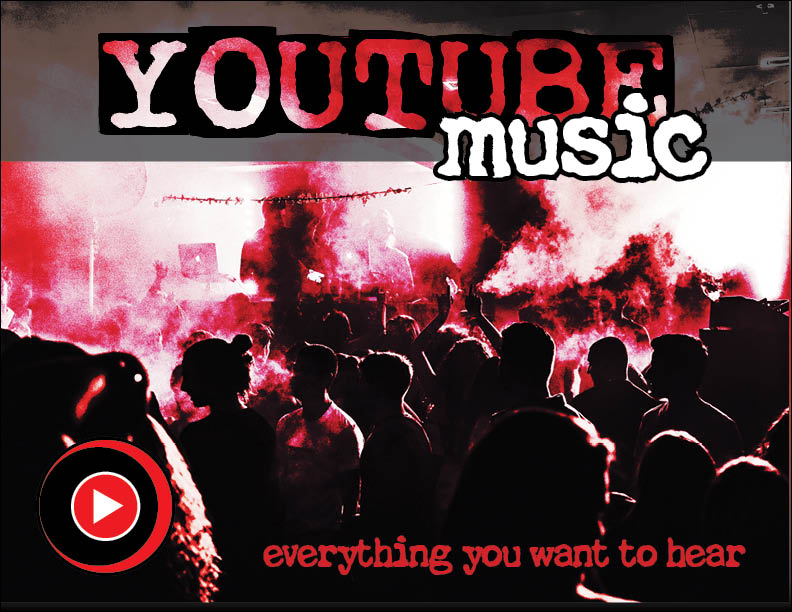
I knew off the bat, when the creative brief talked about emphasizing the live music aspect, I knew I wanted to make it reminiscent of older MTV style media and I took that idea and just ran with it.
Illustrator
Illustrator was fun to work with, completely new to me this year. It is one of the two platforms that we used which I wasn’t previously familiar with. I have a decent amount of experience with photoshop, after effect, premiere pro, but nothing on illustrator or indesign. It was really fun to learn how to use, and I honestly will be using it a lot more in my free time as making logos for different personal hobbies, side projects, and random things I do is a very big hobby of mine.
I like having things symmetrically aligned and artistically strong in that way, its one thing to have a cool idea of a logo, but to make it ‘officially’ executed without using some badly rendered AI image, you need to learn how to make a proportionally perfect mark.
PhotoShop
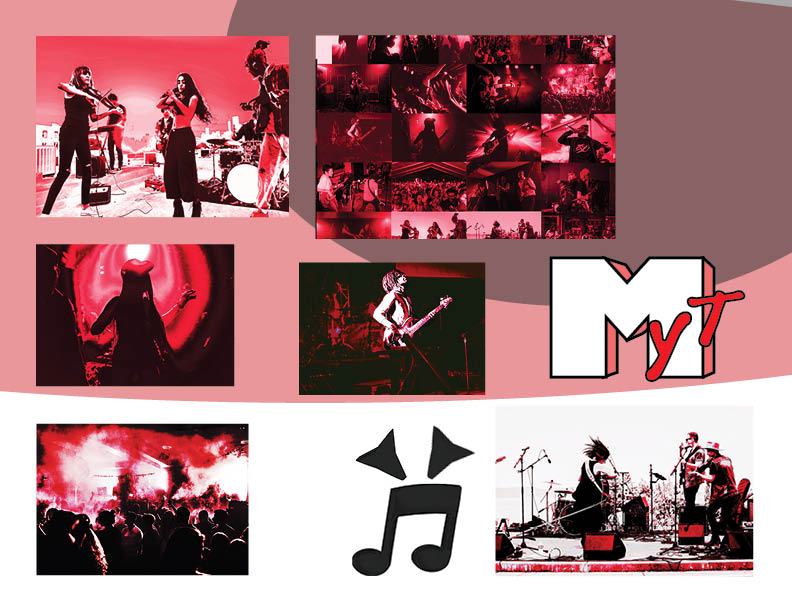
Photoshop was fun to use during this project, I did learn how to better utilize the tools they offer. I have used them for individual photo editing before, but this was the first time I was editing a group of pictures towards one singular goal/project. It was cool to feel like I was actually putting together the pieces of a real creative campaign.
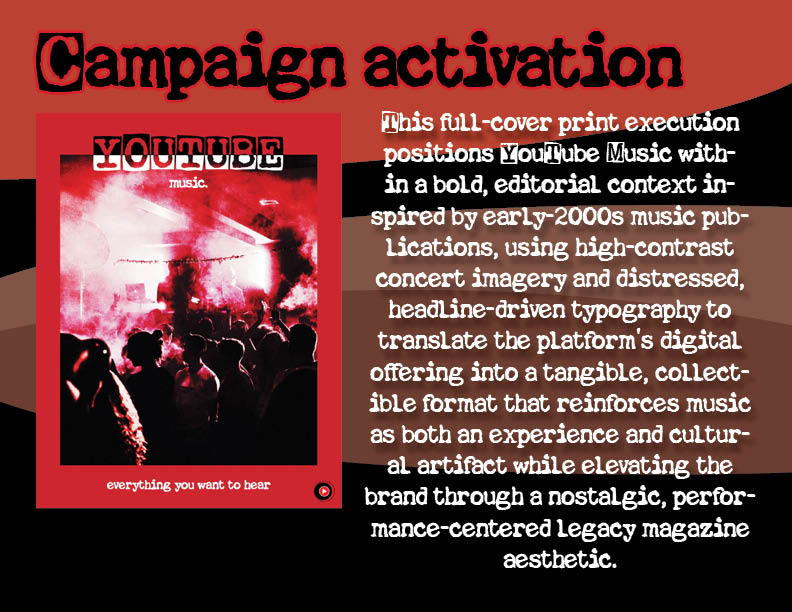
InDesign
InDesign was one of the many Adobe softwares I was completely unaware of prior to this course. I have a familiarity with all the other programs and many that are at our disposal on the OU computers, but I had never heard of InDesign before.
While it definitely isn’t my favorite of the programs we used as I am more into the creating the cool pieces of advertisements as opposed to the display and explanation side, it is something I am tasked to master as a professional advertiser. It is a lot better than Canva, however I do use Canva alongside it to mentally map out some templates in my head as that is the platform I was most accustomed to prior to this class.
Overview
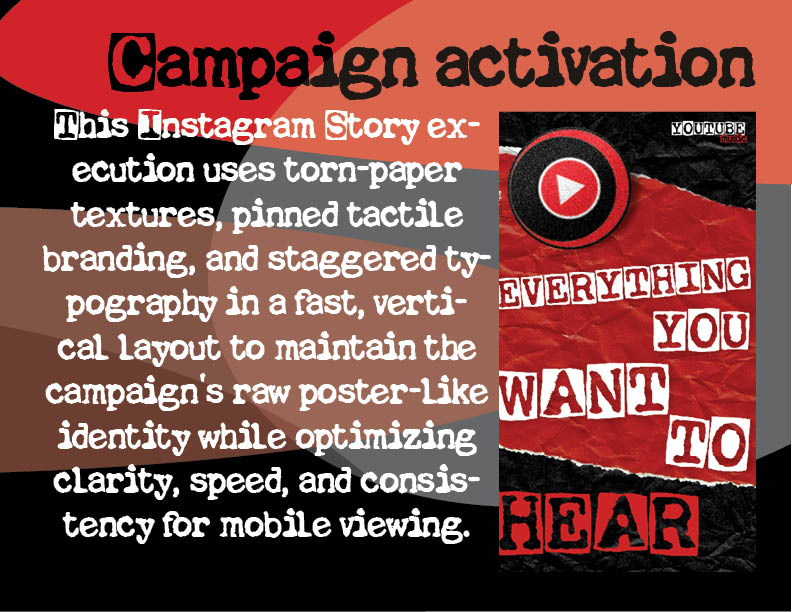
In conclusion, I am sad this class is ending, but it is really cool to have a final piece of work to show on my portfolio demonstrating my skills in these regards, if there was anything I could do to change it is maybe with another two or three months introduce some video advertisements into the campaign where I would go out an either film or animate advertisements in this campaign style.
All in all.. this was a blast. Thank you Prof. Croom